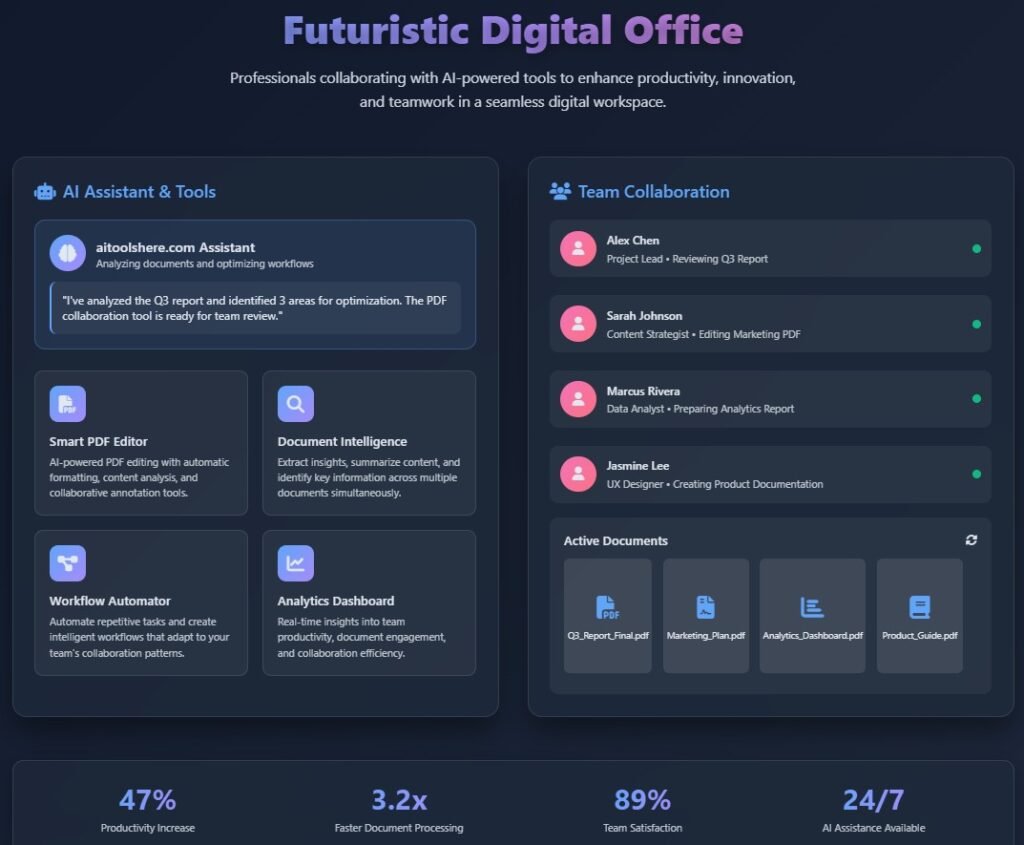

📘 Introduction: Why PDF Tools Are Essential for Modern Businesses Learn How to Use PDF Tools in Business to Enhance Productivity
In today’s fast-paced business environment, document management is more than just sending and receiving files — it’s about efficiency, accuracy, and collaboration.
From contracts and invoices to marketing materials and reports, PDF files are the universal format that ensures consistency across devices and platforms.
But while everyone uses PDFs, not every business uses them efficiently.
This is where advanced PDF tools come in — transforming ordinary file handling into streamlined, automated, and time-saving workflows.
In this article, we’ll explore how to use PDF tools in business to enhance productivity, how they fit into your digital transformation strategy, and what best practices can multiply your efficiency across departments.
🧩 1️⃣ The Role of PDF Tools in Business Operations
Why PDFs Dominate Business Documentation
PDF (Portable Document Format) was designed for one simple reason: to preserve document integrity everywhere.
Whether your client opens it on Windows, macOS, or mobile — the formatting, fonts, and layout remain the same.
This makes PDFs the default language of business communication.
However, managing large volumes of PDFs manually can be frustrating — from merging files to converting formats or extracting data.
Modern PDF productivity tools automate these tasks, allowing teams to focus on what matters most: delivering results.
Key Benefits of Using PDF Tools in Business
✅ Consistency: Files look the same on every device.
✅ Security: You can encrypt, password-protect, and e-sign documents.
✅ Compatibility: Works across all operating systems.
✅ Compact Size: Compressed PDFs save storage and bandwidth.
✅ Automation: Reduces manual document handling.
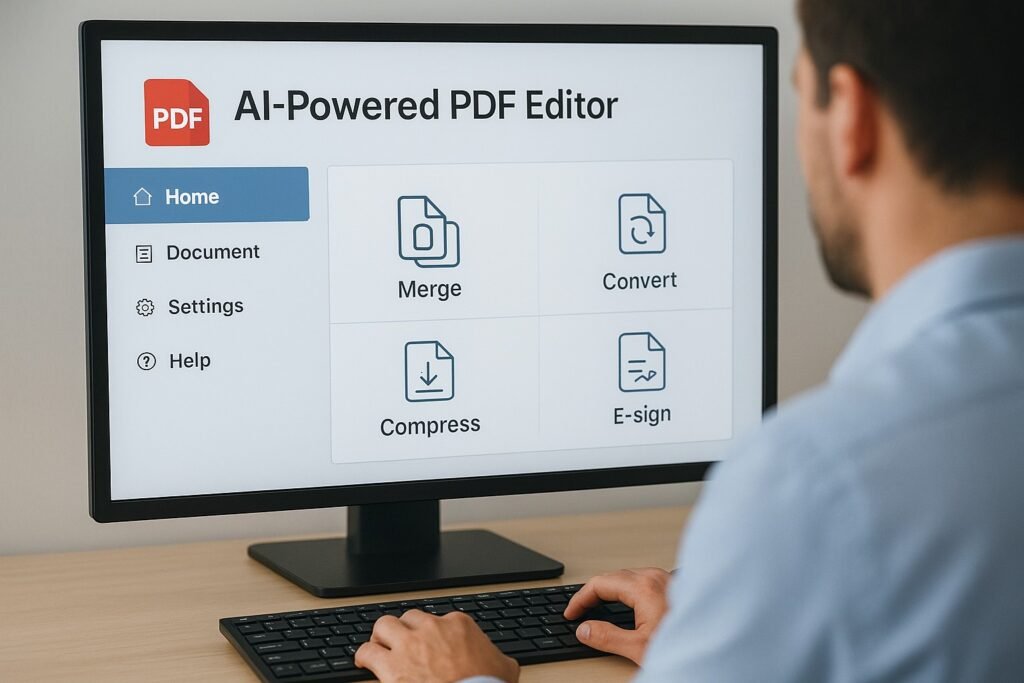
🧠 2️⃣ Enhancing Team Productivity with PDF Tools
A. Automating Repetitive Tasks
Think about how much time your team spends:
- Converting Word files to PDF
- Combining multiple invoices into one file
- Compressing PDFs for email attachments
Now imagine automating all of that.
Tools like AIMultitool, Adobe Acrobat, or Smallpdf let you run batch operations that automatically:
- Merge folders full of documents
- Compress large reports for email sharing
- Convert hundreds of files with one click
💡 Result: Employees save hours weekly, reduce human error, and ensure consistency in client communications.
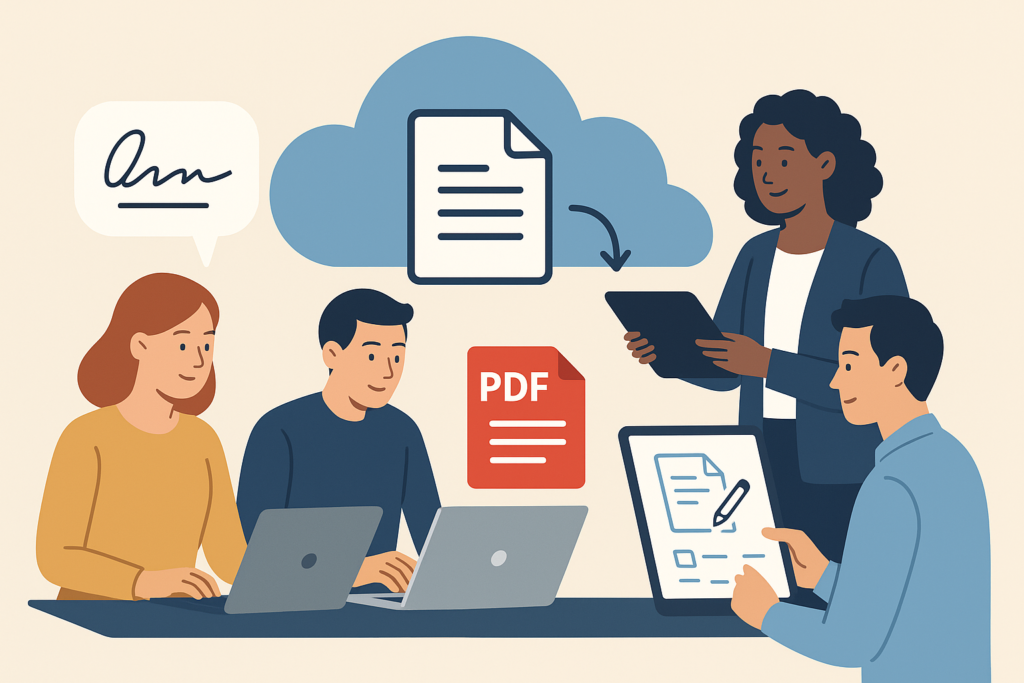
B. Streamlining Collaboration Across Departments
When everyone works on shared digital documents, version control becomes critical.
Modern PDF tools enable:
- Cloud sharing and permissions (who can view or edit)
- Real-time annotations and comments
- Digital signatures and approval workflows
This ensures that sales, finance, and operations teams all work on one single, updated version of a document — no more messy email threads.
C. Improving Remote Work Efficiency
With remote work now standard, accessibility is non-negotiable.
Online PDF platforms let employees:
- Edit and sign documents from anywhere
- Collaborate securely without installing software
- Access files through mobile devices
This flexibility makes it easier to maintain momentum — even across different time zones.
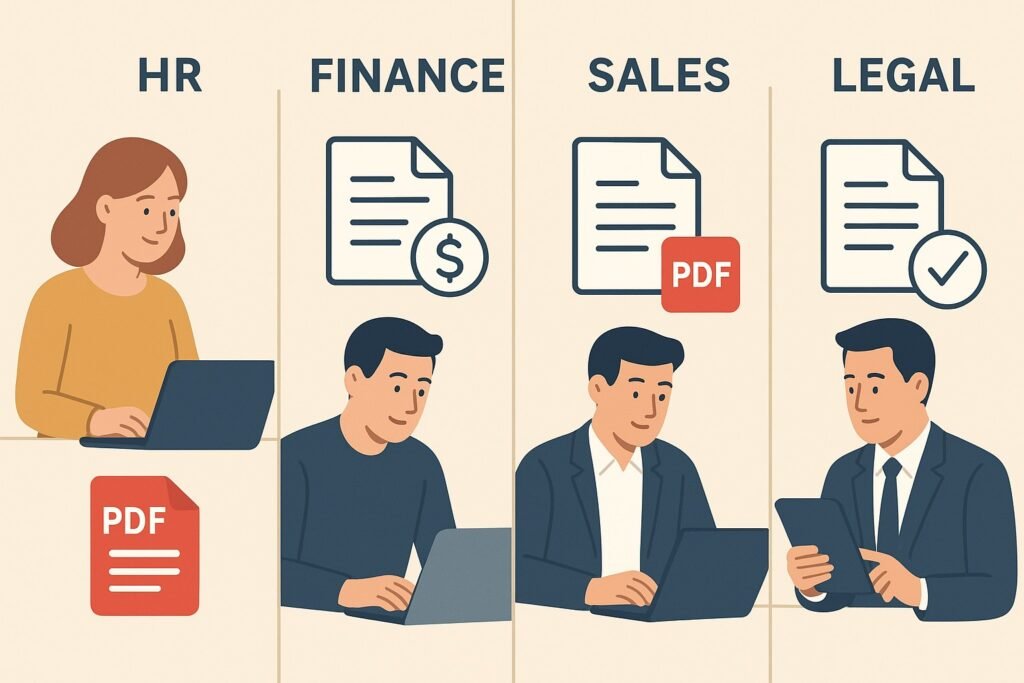
⚙️ 3️⃣ Practical Use Cases: How Businesses Use PDF Tools Daily
Let’s break down how different departments in a company use PDF tools to enhance productivity.
🏢 A. Human Resources (HR)
Challenge: Managing employee onboarding, contracts, and compliance documents.
Solution:
- Automate new hire documentation using pre-filled PDF forms.
- Use e-signature tools for employment contracts.
- Securely archive PDFs for audit readiness.
💡 Impact: Reduces onboarding time by up to 60% and eliminates printing costs.
💰 B. Finance & Accounting
Challenge: Handling invoices, receipts, and statements manually.
Solution:
- Merge monthly reports into one secure file.
- Convert spreadsheets to PDF for external clients.
- Automate PDF-to-Excel conversions for data extraction.
💡 Impact: Speeds up financial reporting and ensures consistent, professional formatting.
💼 C. Sales & Marketing
Challenge: Sending proposals and marketing collateral in editable formats.
Solution:
- Create branded PDFs that maintain visual integrity.
- Track open rates and digital signatures.
- Embed interactive elements (links, videos) directly in PDFs.
💡 Impact: Professional presentation and faster client approvals.
⚖️ D. Legal & Compliance
Challenge: Managing confidentiality and version control.
Solution:
- Add password protection and watermarks.
- Use PDF comparison tools to identify contract changes.
- Store documents with audit trails for compliance.
💡 Impact: Secure, transparent, and efficient legal workflows.
💡 4️⃣ AI-Powered PDF Tools: The Next Level of Digital Productivity
With the rise of AI automation, PDF tools are evolving beyond editing and conversion.
Modern platforms like AIMultitool now integrate AI-powered features such as:
- Smart text recognition (OCR)
- Automatic document summarization
- AI-driven form filling
- Context-based file recommendations
- Workflow orchestration between multiple tools
This means businesses can analyze documents, extract insights, and trigger automated actions — all without manual intervention.
Imagine uploading a 100-page contract and getting a summarized version in 30 seconds — that’s the power of AI-enhanced PDF tools.
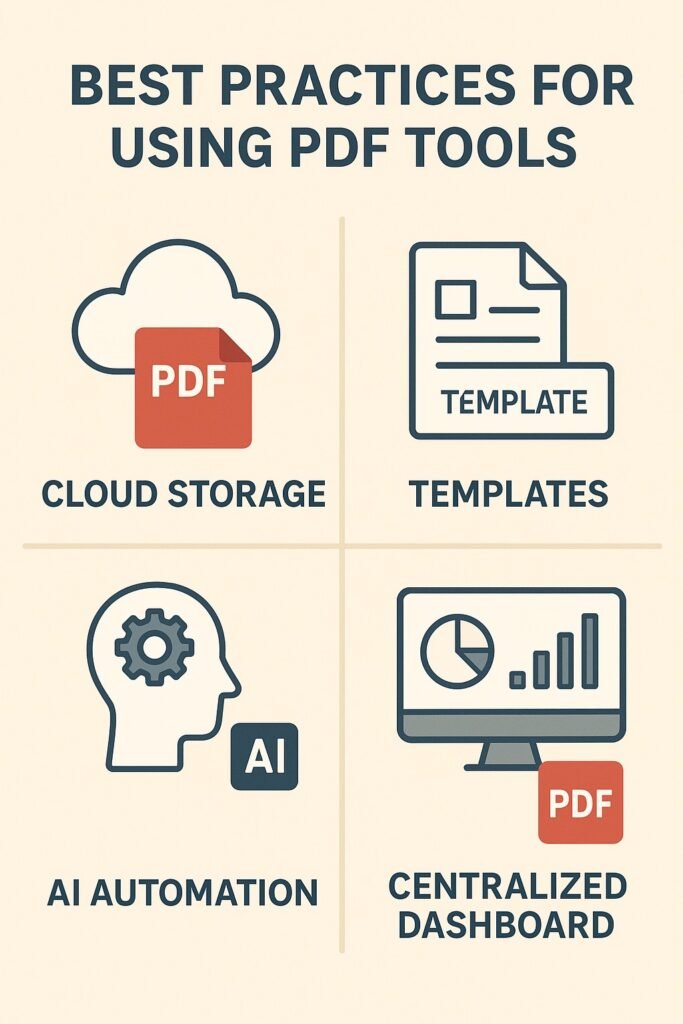
📈 5️⃣ Best Practices to Use PDF Tools Effectively in Business
| Best Practice | Description | Benefit |
|---|---|---|
| Centralize document management | Use one secure platform for all departments | Reduces confusion and file duplication |
| Leverage cloud-based tools | Access from anywhere | Ideal for hybrid teams |
| Integrate with CRM and ERP | Sync customer & billing data automatically | Saves admin time |
| Use standardized templates | Create consistent branding | Faster document creation |
| Train staff regularly | Familiarity boosts adoption | Maximizes ROI |
🔒 6️⃣ Security and Compliance with PDF Tools
Security is critical when sharing confidential business documents.
Modern PDF tools allow:
- Encryption and password protection
- Digital signatures for authenticity
- Permission settings (view, edit, download)
- Audit trails for compliance tracking
By integrating these, your business ensures every file is both secure and legally valid — especially important for financial, legal, and HR documents.
🌱 7️⃣ The Environmental and Cost Advantages
Moving to a paperless workflow isn’t just efficient — it’s sustainable.
By adopting PDF-based digital processes:
- You reduce paper and printing waste
- Save on physical storage space
- Minimize courier costs
- Support your company’s green policy
It’s an easy step toward eco-friendly digital transformation that customers increasingly expect.
🧭 8️⃣ Choosing the Right PDF Tool for Your Business
When selecting your PDF platform, consider:
- ✅ Features (edit, merge, sign, OCR, AI capabilities)
- ✅ Security (encryption, privacy compliance)
- ✅ Collaboration tools (comments, sharing, integrations)
- ✅ Pricing (free vs. enterprise)
- ✅ Support & scalability
🧩 Conclusion: The Power of Smart Document Management
PDF tools have moved far beyond basic file conversion — they’re now essential drivers of business productivity, efficiency, and security.
By learning how to use PDF tools in business to enhance productivity, you unlock measurable gains:
- Faster workflows
- Reduced errors
- Stronger compliance
- Smarter collaboration
- Lower operational costs
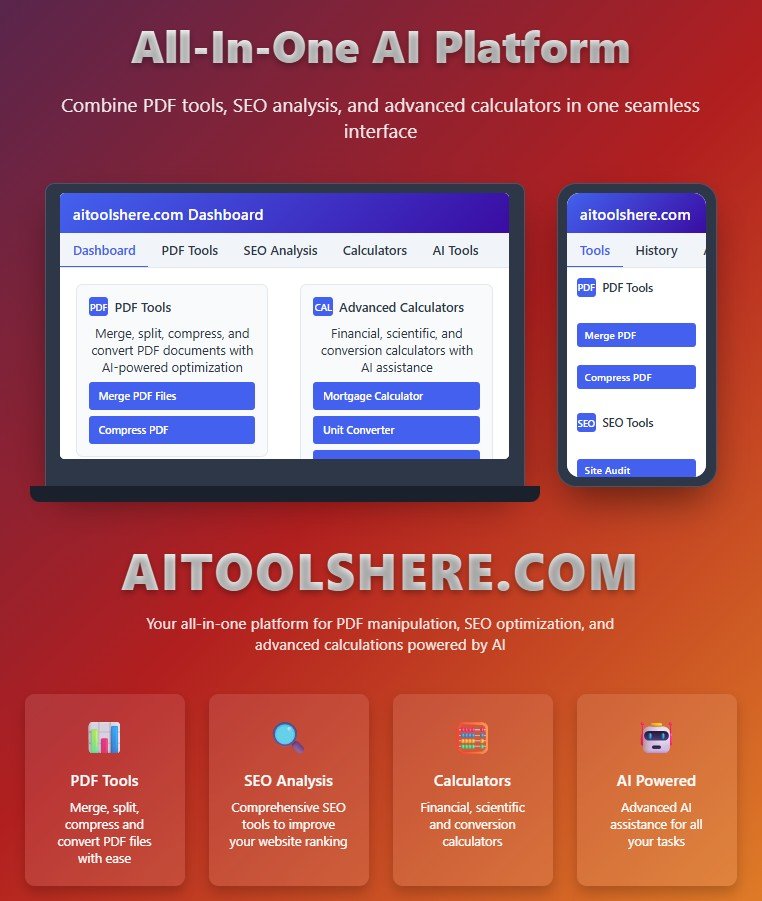
In an era of AI transformation, PDF tools like aitoolshere are redefining the future of document management — making every business more agile, intelligent, and paperless.